Organizations
Updated on October 16, 2026
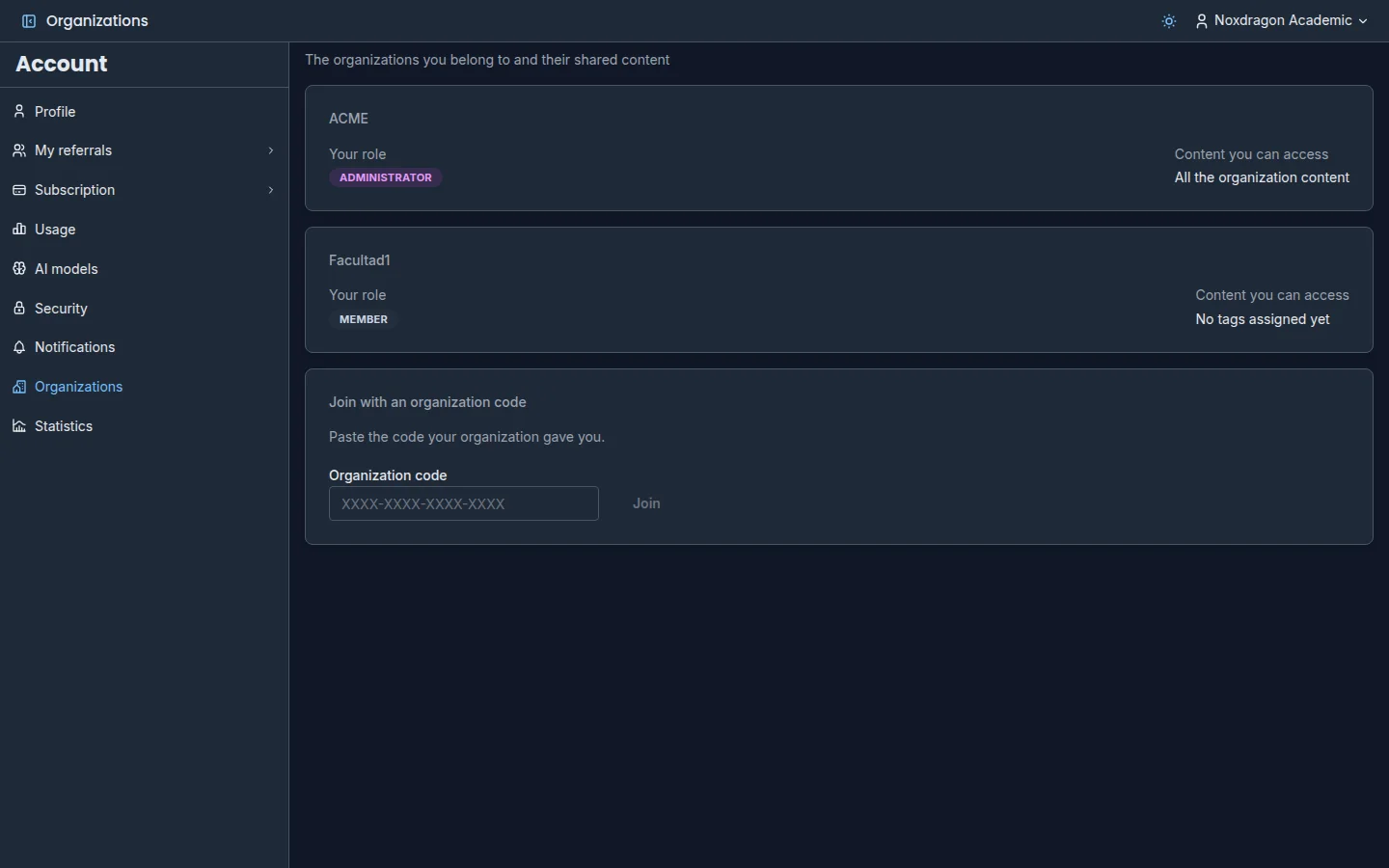
An organization is a shared space for an institution, a course, or a study group. Its members publish EON, Theca, and SimuLab content to the organization, and everyone else uses it from the same app they already study in, without making it public to the whole world.
Organizations are managed in the Account app, in the Organizations section.
What you see in Account → Organizations
For each organization you belong to, you see a card with:
- Your role: Member, Writer, or Administrator.
- Content you can access: the tags assigned to you, or All the organization content if you can see everything.
Roles determine what you can do:
- Member: views and uses the organization content that matches their tags.
- Writer: can also publish content to the organization.
- Administrator: can also manage the organization from its admin panel: invite members, create join codes, define tags, and assign licenses.
Join an organization
There are two ways:
- By invitation. The organization sends you an email. When you open the link, or go to Organizations, you see the invitation notice. Click Accept to join or Reject if you're not interested. Rejecting is final: you'll need a new invitation to join later.
- With a code. On the Join with an organization code card, paste the Organization code you were given and click Join.
Some invitations include a plan, for example Includes the Pro plan. In that case the organization assigns you a license, and in Subscription you'll see Your plan is managed by your organization. When the license ends, you go back to the plan you have on your own.
Publish content to an organization
To publish you need to be a Writer or Administrator in the organization. When you publish, you choose the organization and at least one tag (see below). You remain the owner of the content.
From EON
In a deck pack's menu, choose Publish to organization…. Pick the organization, check the Organization tags, and click Publish.
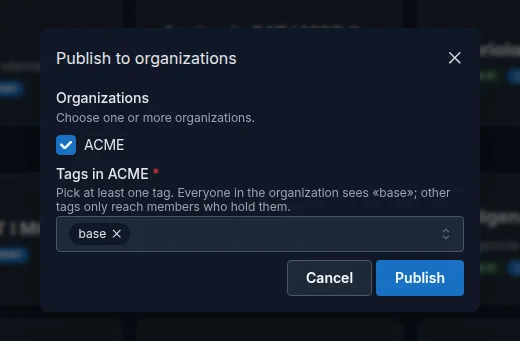
Members find the deck pack in EON's Market, on the Organization tab, and can clone it to their account. From the same menu you can change its tags (Tags in {organization}) or remove it (Remove from {organization}). Removing it from one organization doesn't affect its listing on the public Market or in other organizations.
From Theca
You have two options:
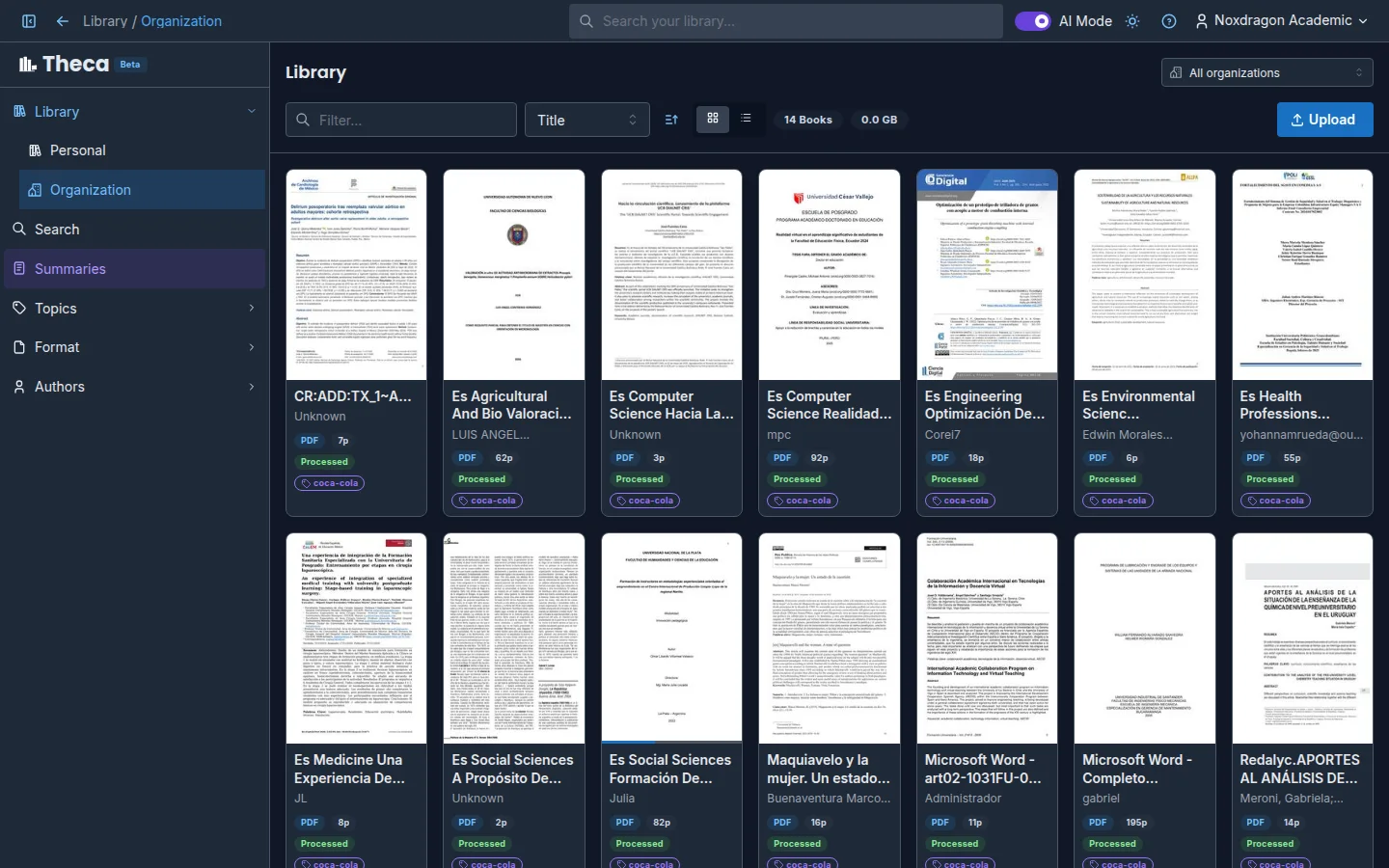
- When uploading a book, choose the organization under It will be uploaded to the organization and pick its tags.
- For a book you already have, open its details and use Share with organization.
The organization receives a shared copy of the book; your own copy stays in your personal library. Members see shared books in the Organization section of the sidebar, with the Organization badge, and can use them in searches (with Include organization books), in summaries, or with Copy to my library. To stop sharing it, use Remove from organization.
From SimuLab
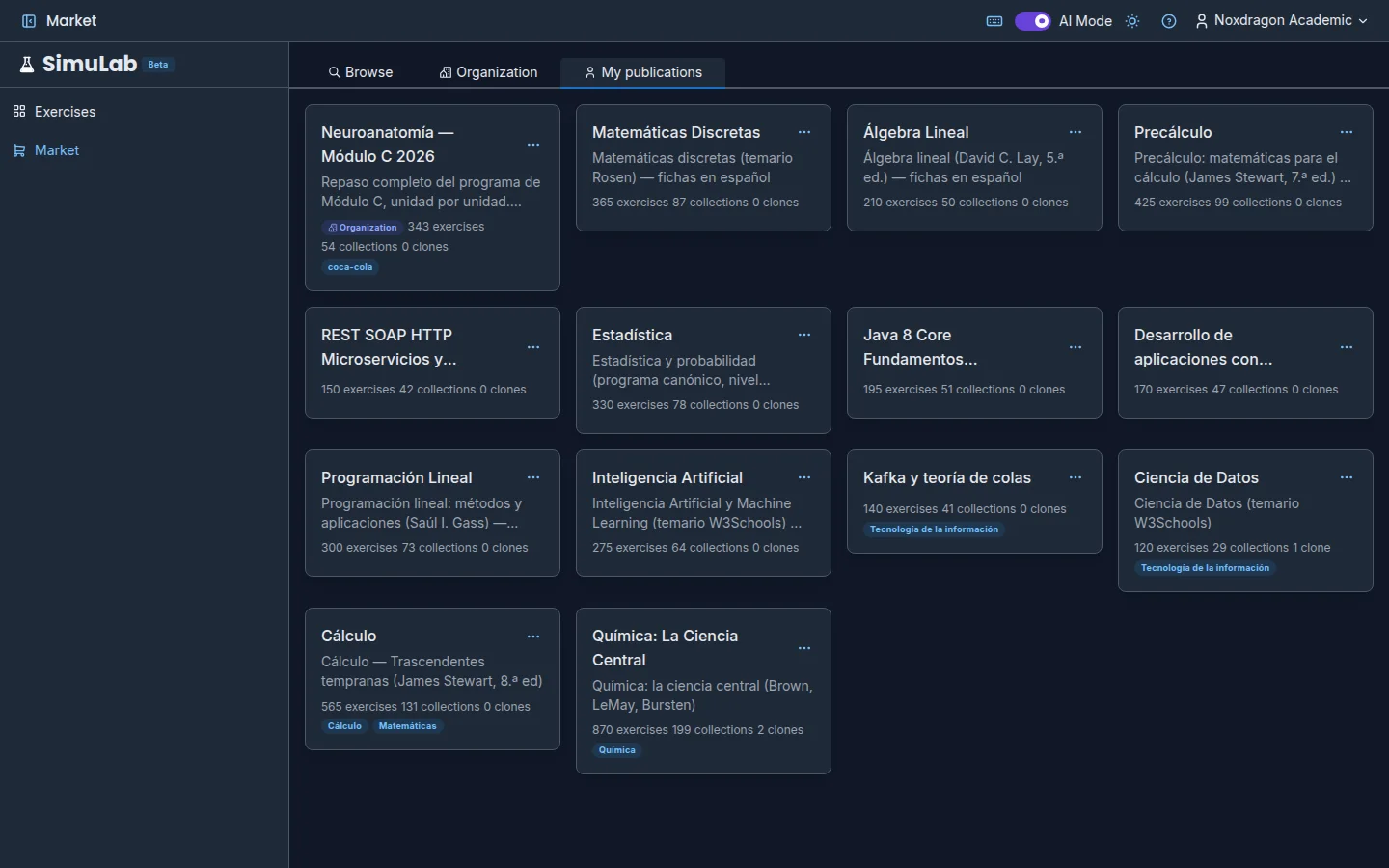
In a collection's menu, choose Publish to organization…, check the tags, and confirm. Members find it in SimuLab's Market, on the Organization tab, and can clone it. As in EON, you can change its tags or remove it from the organization from the same menu.
Organization tags
Tags decide who sees what inside the organization. An administrator defines them, for example one per course or subject.
- Every member sees the base tag. If you publish with it, the content reaches the whole organization.
- Other tags are only visible to members who hold them. If you publish with a course's tag, only that course sees it.
You have to pick at least one tag when publishing, and the window shows who it will reach before you confirm. To see which tags you have, check Content you can access in Account → Organizations.
Tags also help you search: in EON's Market you can choose Search by → Organization label, and in Theca you can filter books by Organization tags when choosing sources.
If you delete your account
Content you published to an organization isn't deleted when you delete your account: EON deck packs, books shared in Theca, and SimuLab collections stay available to the organization. Your personal data, your study progress on that content, and the rest of your private content are deleted.
If you don't want something to stay in the organization, remove it from the organization before deleting your account. See Your data and privacy.
Frequently asked questions
Does publishing to an organization make it public? No. Only members of that organization who hold one of the tags you chose can see it. The public Market is a separate listing.
I don't see the Publish to organization… option. Why? You need to be a Writer or Administrator. If you're a Member, ask an administrator to change your role. It also doesn't appear if you've already published that content to all your organizations.
The organization has reached its storage limit. What do I do? Each organization has its own storage quota. Ask an organization administrator to have the NoxDragon team increase it.
I'm the only administrator and want to delete my account. Appoint another administrator first. The account can't be deleted while you're the only administrator of an organization.
Next step
- Your data and privacy: what's shared and what's deleted
- Plans and limits: plans assigned by an organization