Plans and limits
Updated on October 22, 2026
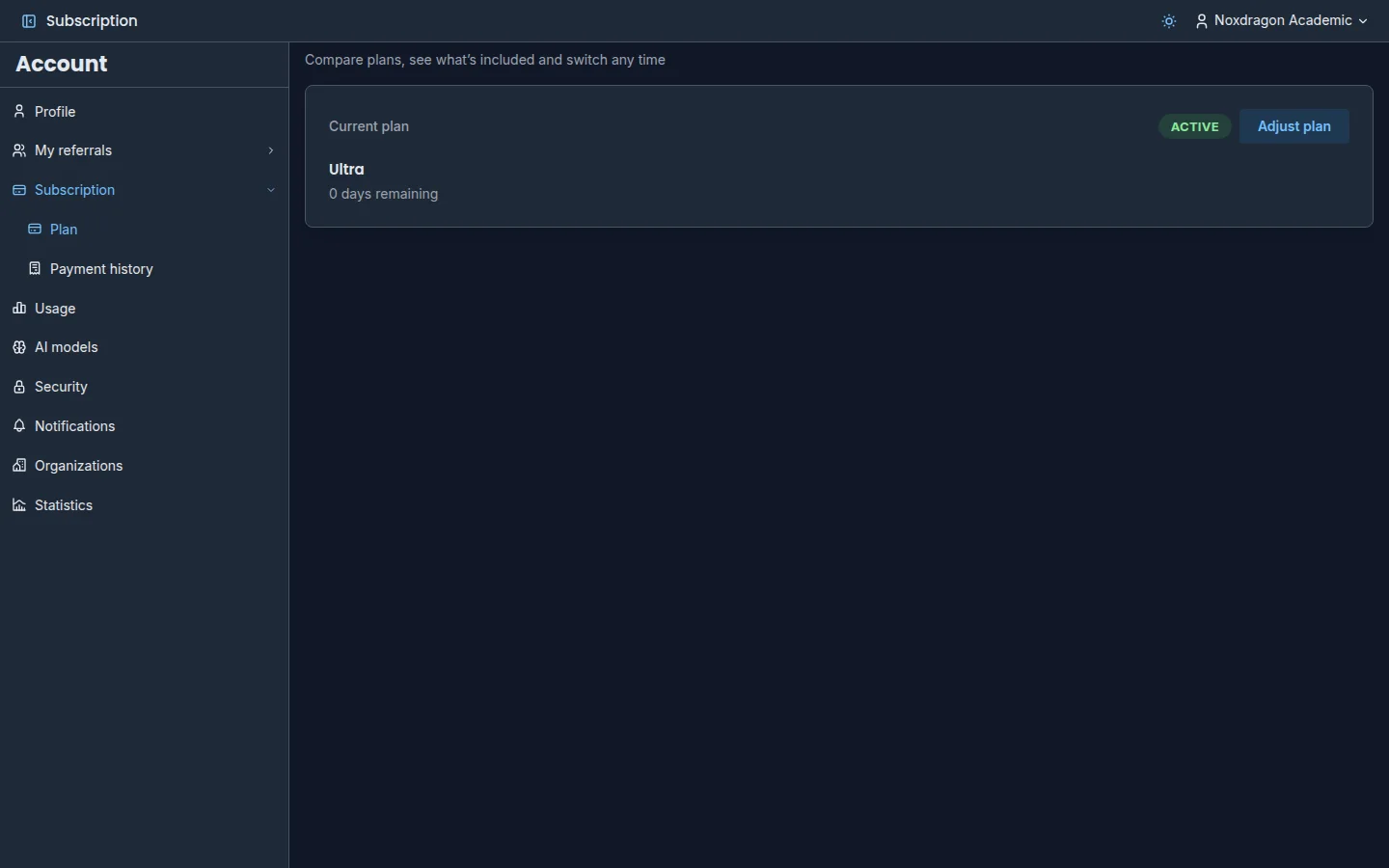
Noxdragon Academic has a free plan to get started and paid plans for anyone who needs more room or more AI. There's one plan for the whole suite: it covers EON, Theca, Imagine, and SimuLab with a single subscription.
The plans
- Free: for getting started.
- Plus: more room to grow.
- Pro: for active learners who need AI. It's the Recommended plan.
- Ultra: everything, maxed out.
Pro and Ultra carry the AI badge: they're the plans designed for everyday AI use. Exact prices and limits for each plan are on the Academic pricing page and in the Subscription section of the Account app.
What limits each plan has
Each plan sets a limit for these categories, shared across all the apps:
- Text cards and Diagram / image cards in EON.
- Library storage for your books and documents in Theca.
- Presentations in Imagine.
- Practice problems: the exercises you can keep in SimuLab.
- AI tokens: the balance for every AI feature in the suite, measured over a 5-hour window and a weekly one. See AI tokens.
Each category is independent: quota can't be moved from one to another.
See your usage
In the Usage section of the Account app you see, for each feature, the Plan limit and how much you've Used. Click Refresh usage to load the latest data.
When an action would go over a limit, the app warns you with Plan limit reached before creating it. You can upgrade your plan right there or cancel the action.
Change your plan
In Subscription, click Adjust plan to see the plans and pick one. You can pay by card and, in some countries, with Mercado Pago in your local currency.
- If you upgrade, the change is immediate and you only pay for what's left of the current period.
- If you downgrade or cancel, the change applies at the end of your billing period. Until then, you keep your plan.
In the same section you can redeem a Promo code, apply a Discount code at checkout, and open Manage billing. Payment history lists every charge, with a reference you can give our team if you need help.
What happens if you downgrade
If you move to a plan with lower limits and already have more content than it allows:
- Grace period. You keep full access until the date we show you. Nothing is deleted.
- Read-only. After that, the content over the limit becomes Read-only: you can view, export, and delete it, but not edit it.
- Deletion. If you don't upgrade or free up space by the stated date, the excess is deleted. Even then, you can recover it by upgrading within the following 90 days.
The app lets you know at each stage with a notice and the relevant date.
Plans assigned by an organization
If an organization assigns you a license, you'll see Your plan is managed by your organization. If you want a higher plan, you can upgrade by paying just the difference. When the license ends, you go back to the plan you have on your own. See Organizations.
Frequently asked questions
Are limits shared across all the apps? Yes. There's a single plan for the whole suite, and each limit counts what you use in the matching app.
Can I have more cards in EON if I don't use Imagine? No. Each limit belongs to its own category.
What happens to my data if I cancel my paid plan? Your plan switches to Free at the end of the paid period. Your content isn't deleted at that point: it becomes subject to Free's limits, with the grace period described above.
Next step
- AI tokens: how your AI balance is used
- Organizations: licenses and shared content