NoxDragon
AcademicAcademicAgoraRanverkDocsNewsAboutContact
esenpt

Noxdragon Academic

What is Noxdragon Academic

EON

Getting started with EONDecks and Deck PacksImporting decks (.eon)Review sessions and spaced repetitionCalendar and planningDeck MarketplaceTrash and recoveryGenerating flashcards with AI

Theca

Getting started with ThecaYour libraryReading in ThecaCited searchSourced summaries

Imagine

Getting started with ImagineTelling ideas step by stepDiagrams and AI helpSharing presentationsExporting your work

SimuLabComing soon

SimuLab: what's coming
← Documentation

Getting started with Imagine

Updated on July 17, 2026
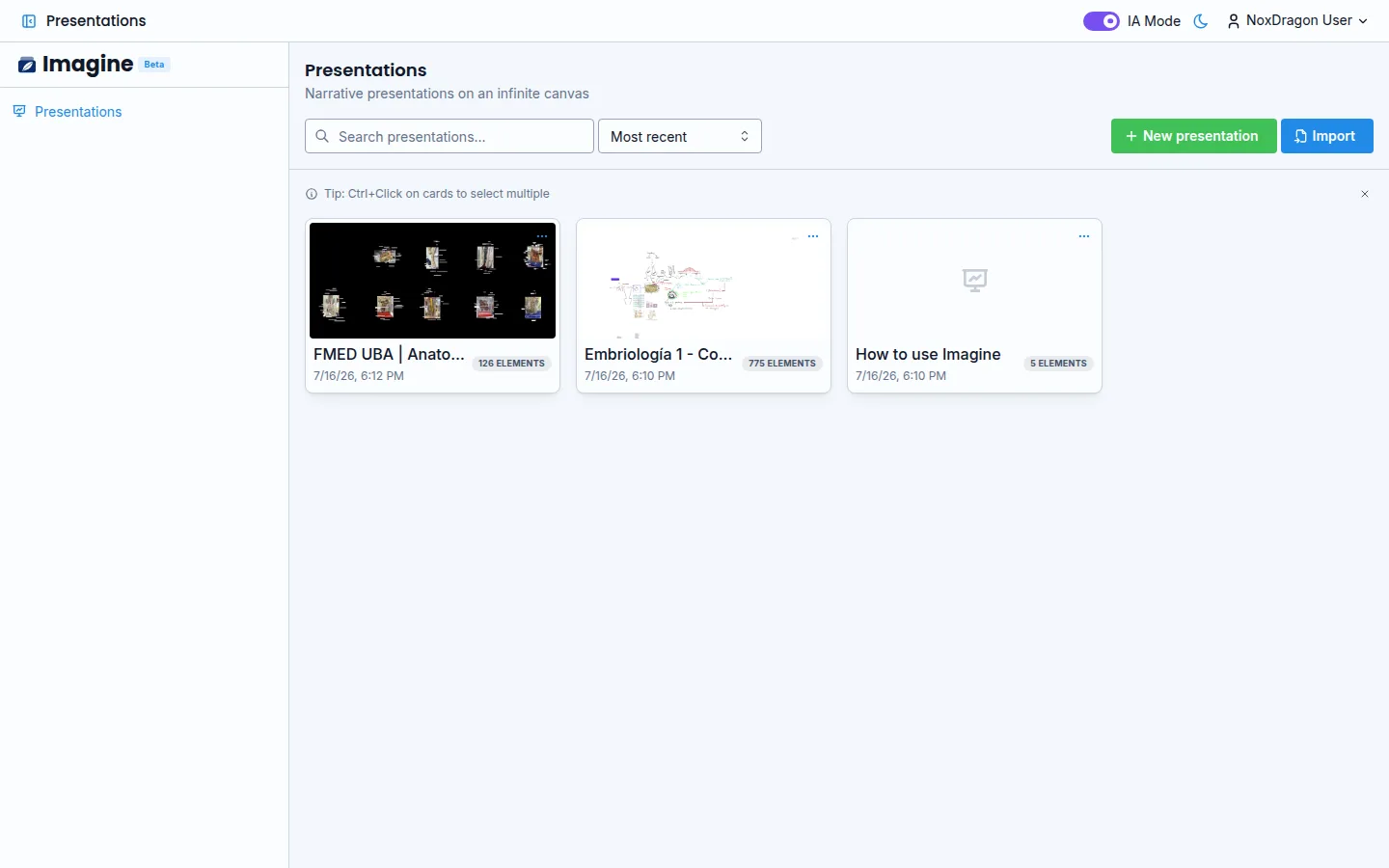
Getting started with Imagine

Imagine is an infinite whiteboard built for explaining: instead of slides, you tell your idea step by step on a single canvas.

1. Open the app

Go to imagine.noxdragon.com with your NoxDragon account.

2. Create or import

From home you can start a blank New presentation or import an .imgin file someone shared with you.

3. Draw

Pick the pen and draw freely: the shapes tool straightens your strokes into neat figures. Add text, images, and colors from the toolbar.

The canvas is infinite: zoom and pan without fear, the auto-framing button always brings you back.

NoxDragon

Technology in service of efficiency.

Try EON ↗Try Theca ↗Try Imagine ↗

Products

EONThecaImagineSimuLabAgoraRanverk

Company

AboutNewsDocsContact

Legal

TermsPrivacyAcademic termsAgora terms

Community

ForumsLinkedIn
© 2026 NoxDragon. All rights reserved.
Built onGoogle CloudAlibaba CloudMistral AI
Built by students. Powered by curiosity.