NoxDragon
AcademicAcademicAgoraRanverkDocsNewsAboutContact

Noxdragon Academic

Overview

What is Noxdragon Academic [~2 min]The learning cycle [~3 min]Common app controls [~3 min]

Account and settings

Account and sign-in [~3 min]Plans and limits [~3 min]AI tokens [~3 min]Organizations [~4 min]Your data and privacy [~3 min]

EON

Theca

Imagine

SimuLab

Getting started

Getting started with SimuLab [~2 min]SimuLab interface tour [~3 min]

Creating exercises

Create an exercise [~3 min]The exercise editor [~3 min]Answer types [~3 min]Rubrics and grading [~3 min]Step-by-step solving [~2 min]

Interactive scenes

Interactive scenes [~2 min]Scene language [~2 min]

Solving

Solve an exercise [~3 min]Submissions and feedback [~2 min]Hints [~2 min]Explain with AI [~2 min]Keyboard shortcuts [~1 min]

AI generation

Generate exercises with AI [~3 min]Extract exercises from your books [~2 min]Import and export .smlb files [~1 min]

Collections

Collections [~2 min]Organize with nested collections [~2 min]

Sharing

Market [~2 min]Publish to the market [~2 min]

Account and settings

Plans and limits in SimuLab [~2 min]
← Documentation

Keyboard shortcuts

Updated on October 16, 2026
Keyboard shortcuts

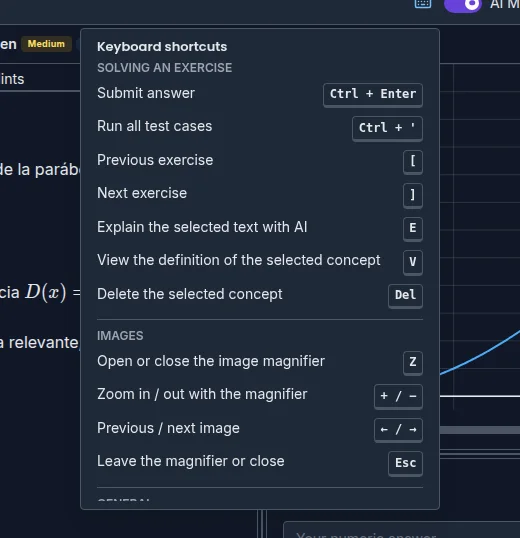
SimuLab has shortcuts for what you do most while solving. Press ? at any time (or the Keyboard shortcuts button in the top bar) to see the list inside the app.

Solving an exercise

Shortcut Action
Ctrl + Enter Submit answer
Ctrl + ' Run all test cases
[ Previous exercise
] Next exercise
E Explain the selected text with AI
V View the definition of the selected concept
Del Delete the selected concept

[ and ] work when the exercise belongs to a collection. None of these single-key shortcuts fire while you're typing in a text field.

Images

Shortcut Action
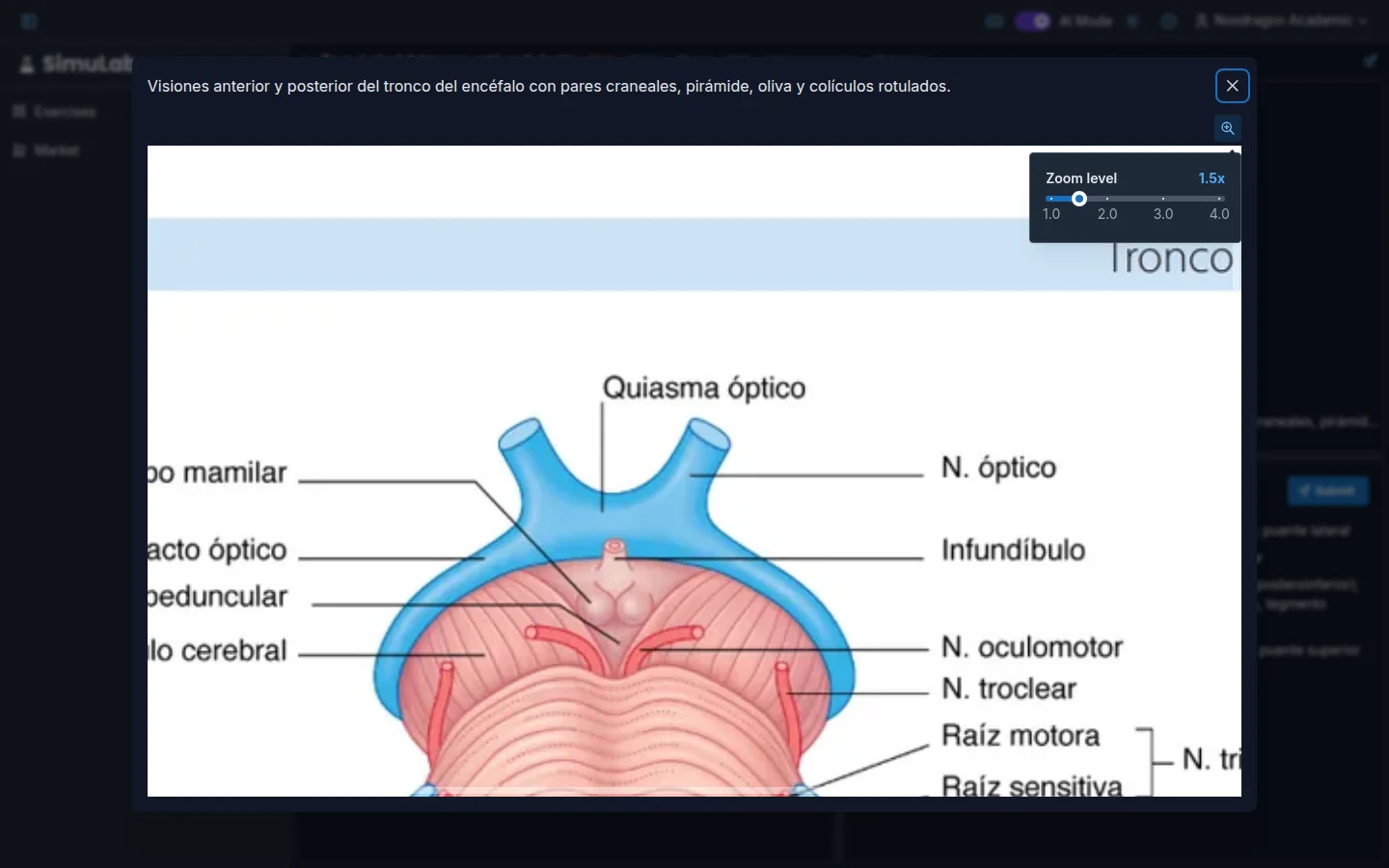
Z Open or close the image magnifier
+ / − Zoom in / out with the magnifier
← / → Previous / next image
Esc Leave the magnifier or close

Magnifier over an exercise image (sample content in Spanish)

General

Shortcut Action
? Show these shortcuts
Ctrl + S Save in the exercise editor

On Mac, use ⌘ instead of Ctrl.

FAQ

Why doesn't E work? You need some text selected and AI Mode turned on. See Explain with AI.

Can I change the shortcuts? No. Shortcuts are fixed.

Next steps

  • Solve an exercise — the full solve screen.
  • Explain with AI — get definitions without leaving the exercise.
NoxDragon

Technology in service of efficiency.

Try EON ↗Try Theca ↗Try Imagine ↗

Products

EONThecaImagineSimuLabAgoraRanverk

Company

AboutNewsDocsContact

Legal

TermsPrivacyAcademic termsAgora terms
© 2026 NoxDragon. All rights reserved.
Built onGoogle CloudAWSMistral AI
Made in Argentina by student researchers.