Calendar and planning
Updated on August 5, 2026
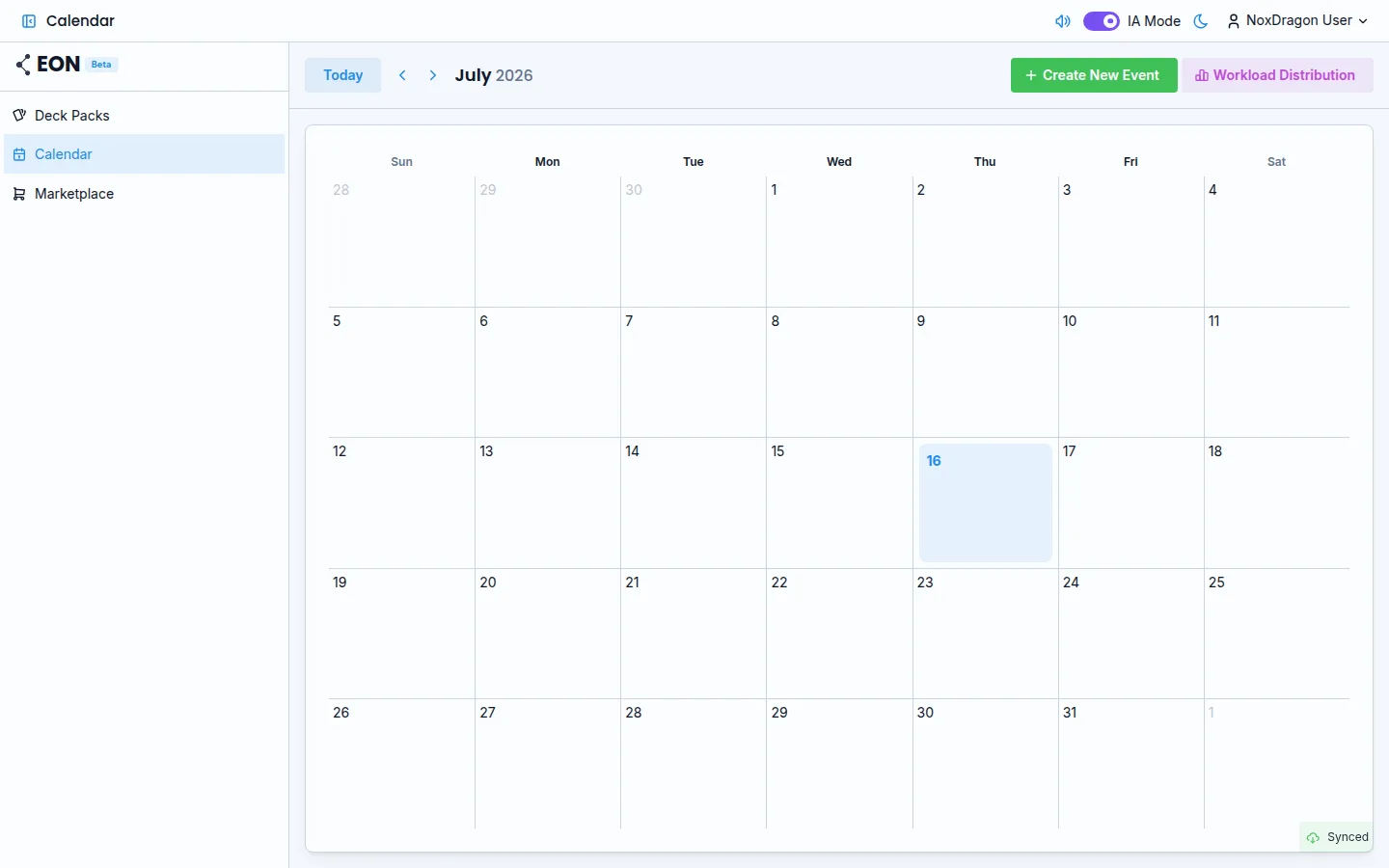
The calendar gives you a single view of your scheduled events and pending cards. From here you create exams, study sessions, and rest days without leaving the app.
The monthly calendar
Open eon.noxdragon.com and tap Calendar in the sidebar. You'll see the current month grid. Each cell shows the events for that day, and if an exam is coming up, a countdown badge appears with the number of days remaining.
Days with a green bar on the left edge are active study days. Days with a red bar have an exam scheduled. Click any cell to see the full list of events for that day.
Creating an event
Click Create New Event to open the form. The fields are:
- Type — choose between General, Exam, or Rest Day.
- Title — the name shown in the calendar. If the type is Rest Day, the title fills in automatically.
- Date — the day of the event.
- Recurrence — only available for Rest Day: None, Weekly, or Monthly.
- Deck Pack — only for Exam: check one or more Deck Packs this exam applies to.
Click Save to add it to the calendar.
Event types
- General — any reminder or study session without special scheduling rules.
- Exam — EON uses this to activate intensive prep mode as the exam approaches. You must link it to at least one Deck Pack.
- Rest Day — the app assigns no cards to review on that day. You can set it as recurring so it repeats every week or month.
The upcoming exams strip
If you have exams scheduled in the coming days, a horizontal strip appears above the grid showing the closest ones. Each chip displays the exam name and the countdown: {days} days until exam or Today! if the exam is today.
Day detail
Clicking a cell that has multiple events opens a panel with the full list of events for that day. From there you can tap any event to edit it.
When you mark a day as Rest Day, EON redistributes the cards from that day to surrounding study days. You get a real break without falling behind.
Frequently asked questions
Can I link an exam event to several Deck Packs? Yes. When creating an Exam event, the Deck Pack list lets you select more than one.
What happens if I delete an exam event? EON stops using it to trigger intensive prep mode. Cards return to the normal pace set by your planning mode.
Can I edit an event after creating it? Yes. Click the event in the calendar or in the day detail panel and the same form opens for editing.
Does recurrence work for all event types? No. The Recurrence option is only available when the event type is Rest Day.
Next step
- Workload forecast — learn to read the forecast chart to spot overload peaks before they hit.
- Planning modes — choose how EON decides what to study each day.
- Daily limits — set how many new and review cards you see per day.