The Market
Updated on August 5, 2026
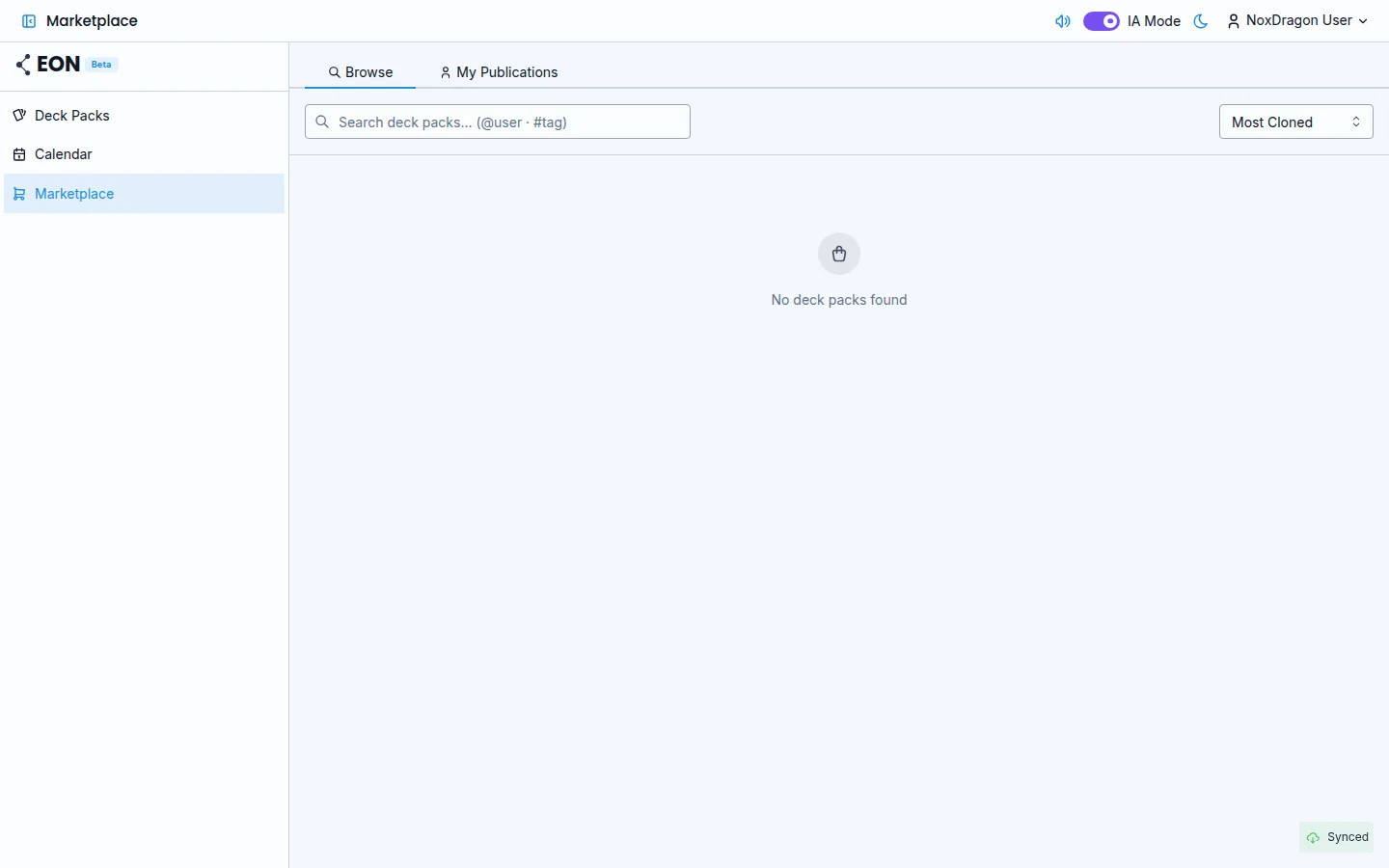
The Market is where the community shares its deck packs. From there you can browse, search, and clone any pack to your account — no files or manual exchanges needed.
Browse available packs
Open the Market from the sidebar by clicking Market. The Browse tab shows the available packs. By default they are sorted by most cloned; you can switch to Newest with the sort selector in the top corner.
Each card shows the pack name, author, and the number of cards, decks, and clones.
Search by text, user, or tag
Use the search bar to filter results:
- Type any term to search by title or content.
- Type
@usernameto filter by author. - Type
#tagto filter by tag.
You can combine all three in a single search, for example: biology @maria #medicine.
Preview before cloning
Click any Market card to open the preview. There you can:
- Read the pack description and see its tags.
- Browse the deck structure in the left panel.
- See sample cards from the selected deck.
The preview does not require you to clone the pack. Close it any time without affecting your account.
Clone a pack to your account
When you decide you want the pack, click Clone to my account in the preview. The app will ask for confirmation and then download the full pack to your account. You can follow the progress in the sync indicator.
Once cloned, the pack appears in your Deck Pack list like any other. You can edit it, add cards, and modify it freely.
If you already cloned that pack before, the button appears disabled with the text Already in your account and the card shows the Cloned badge. You cannot clone your own publications.
Frequently asked questions
Do changes made by the original author affect my cloned copy? No. When you clone you get an independent copy. Changes the author makes later are not reflected in your pack.
Can I share a direct link to a Market pack? Yes. From the preview there is a button to copy the pack link and send it to anyone.
What happens if the author deletes the pack after I cloned it? Your copy stays intact. Only the original pack disappears from the Market.
Can I search for packs in a specific language? Packs are published with an associated language. At the moment, searching by language is not available as a direct filter; you can use tags to find content in the language you are looking for.
Next step
- Publishing to the Market — how to share your own pack with the community.
- Importing a .eon file — another way to receive packs from others outside the Market.
- Deck Packs and decks — how to organize and manage the packs you clone.