Organizations
Updated on October 16, 2026
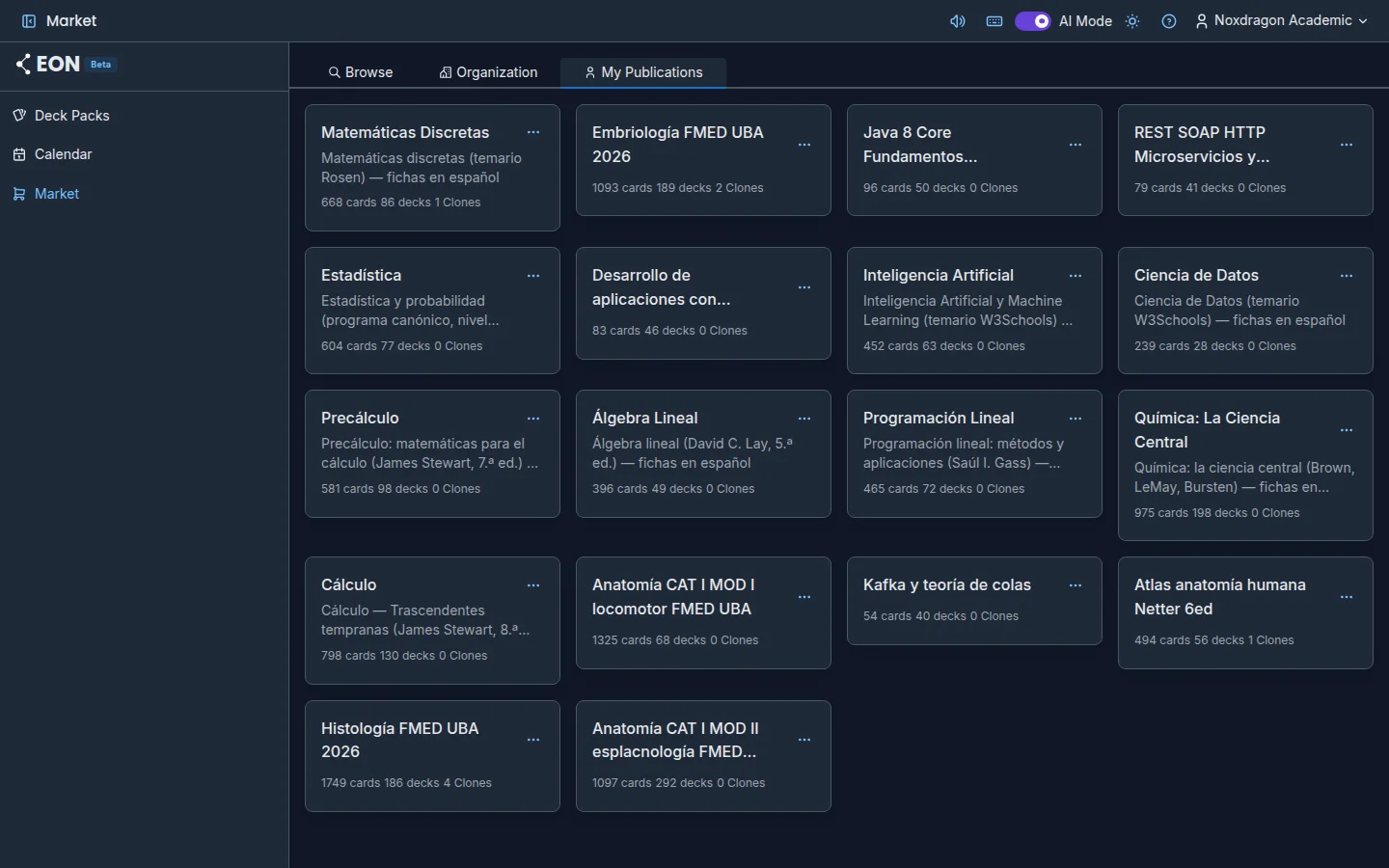
If you belong to a NoxDragon organization (for example, your university or your academy), you can share packs with its members only. What you publish to an organization doesn't appear in Browse: it stays in the Market's Organization tab.
The same pack can be public and published to several organizations at once. On Deck Packs, its badge shows Organization or N organizations.
Publish to an organization
- On Deck Packs, right-click the pack (or press More actions).
- Choose Publish to organization…. The option appears if you can publish to at least one organization where the pack isn't yet.
- In Publish to organization, choose the Organization.
- Under Organization tags, choose at least one. Everyone in the organization sees the «base» tag; other tags only reach members who hold them. The modal sums up who will see it.
- Press Publish. You'll see Shared with the organization.
Organization tags are different from your Topics: the organization defines them and they control who sees the listing.
Change the tags or remove the listing
In the pack's menu, each organization it's published to has two options:
- Tags in [organization]: change the tags and press Save. You'll see Tags updated.
- Remove from [organization]: after you confirm, it's no longer visible in that organization. The Market listing and other organizations are kept.
The Organization tab
In the Market, Organization shows what the organizations you belong to have published. It has its own filters:
- Organization: pick one or leave All organizations.
- Search by: Text (the same search with
@userand#topic) or Organization label, to see only what was published with a specific tag. - The Most Cloned / Newest sort order.
From here you preview, share and clone just like in Browse.
FAQ
I don't see the Organization tab. It only appears if you belong to an organization.
It says "Organization shelf unavailable". EON couldn't reach the account service, so it can't tell what your organization has published. Press Try again in a moment.
When publishing, it says the organization has reached its storage limit. What's published to an organization counts against its quota. Ask an administrator to increase it.
What happens to what I published if I close my account? Content published to organizations is kept for the organization.
Next steps
- Publishing to the Market: make a pack public for everyone.
- The Market: browse, share and clone packs.
- Deck packs: each pack's badges and menu.