Reading in Theca
Updated on July 17, 2026
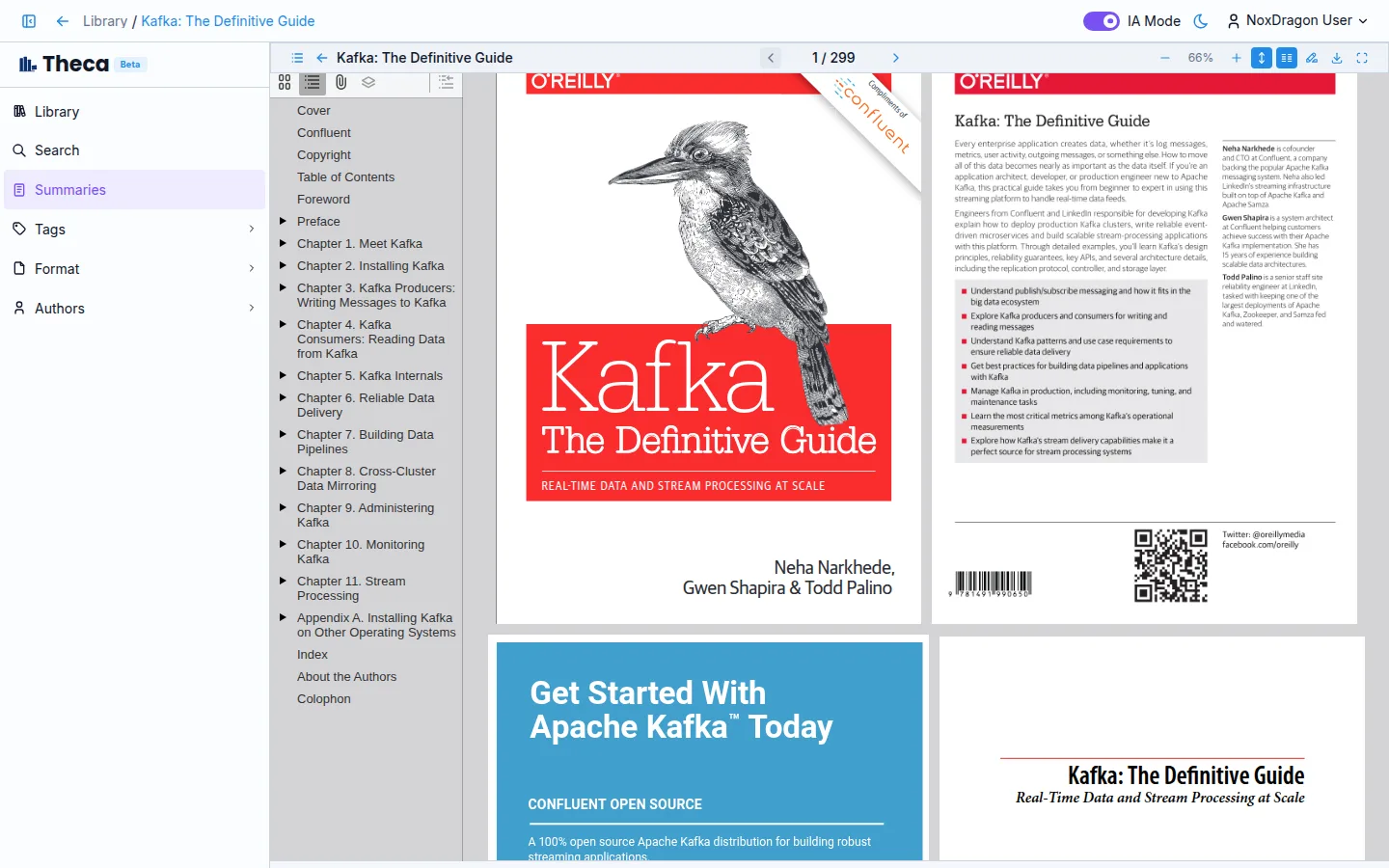
No need to leave the app to read: hit Read on any book and the built-in reader opens.
The reader
- Navigate with the table of contents in the left panel.
- Jump to any page from the top bar.
- Two-page mode makes the most of wide screens.
From search
When a search answer cites a page, its link takes you straight to that point in the reader, paragraph highlighted.
Pick up where you left off
Theca remembers your last page in every book, on any device.